
Profile for other roles
The Profile page for mentors, admins, support logins, universities and CraftBridge staff, and the Your access card.
Where to find it
Every app has a Profile item in the account menu at the top right. Press your name or the person icon, then Profile. Interns get a fuller page, described in Your profile.
What it shows
- Mentors and administrators: your name, your role, your email and your organisation.
- Support (view only) logins: the same, plus a Your access card.
- University staff: your name, role, email and your university.
- CraftBridge staff: your name, role and email. Staff belong to no organisation, so none is shown.
The page is read-only for everyone. It does not edit names, emails or passwords.
Your access (support logins)
A support login can see everything in its organisation and change nothing. The Your access card says so in plain words, with the same text an administrator sees on the Team page. Signing out is the only change a support login can make.
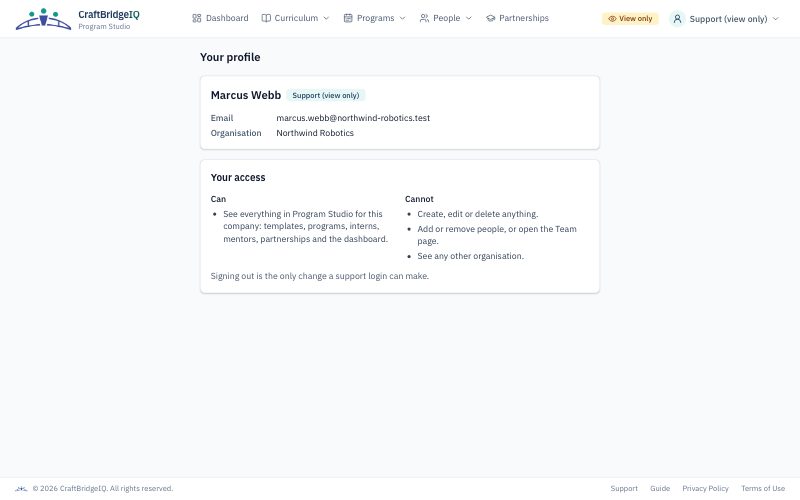
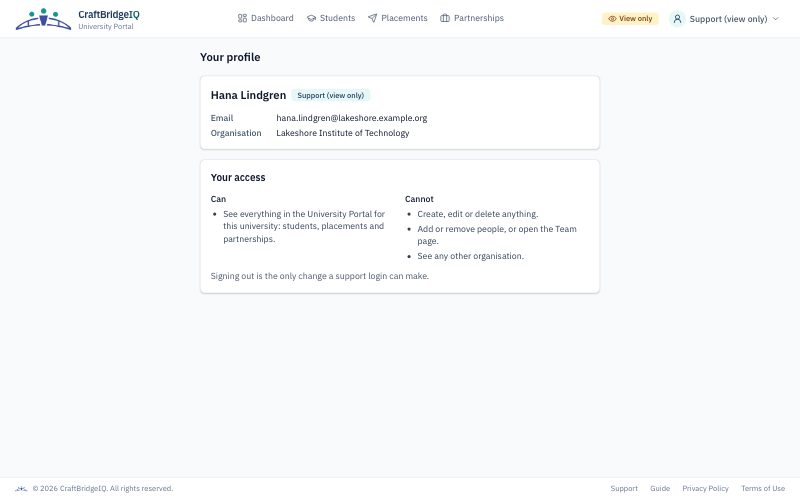
Administrators see the same words as a card called What support logins can do on the Team page. See Your team and Your team.
Last checked 2026-11-03 against the product.